QuickBilliard is a complete management system for billiard, snooker and gaming clubs. It replaces the timer app, the separate café POS and the notebook at the till with one connected system — a table starts, minutes become money, café orders land on the same bill, the lamp goes off when it is paid, and the cashier hands over a till that adds up. Here is a screen-by-screen tour.
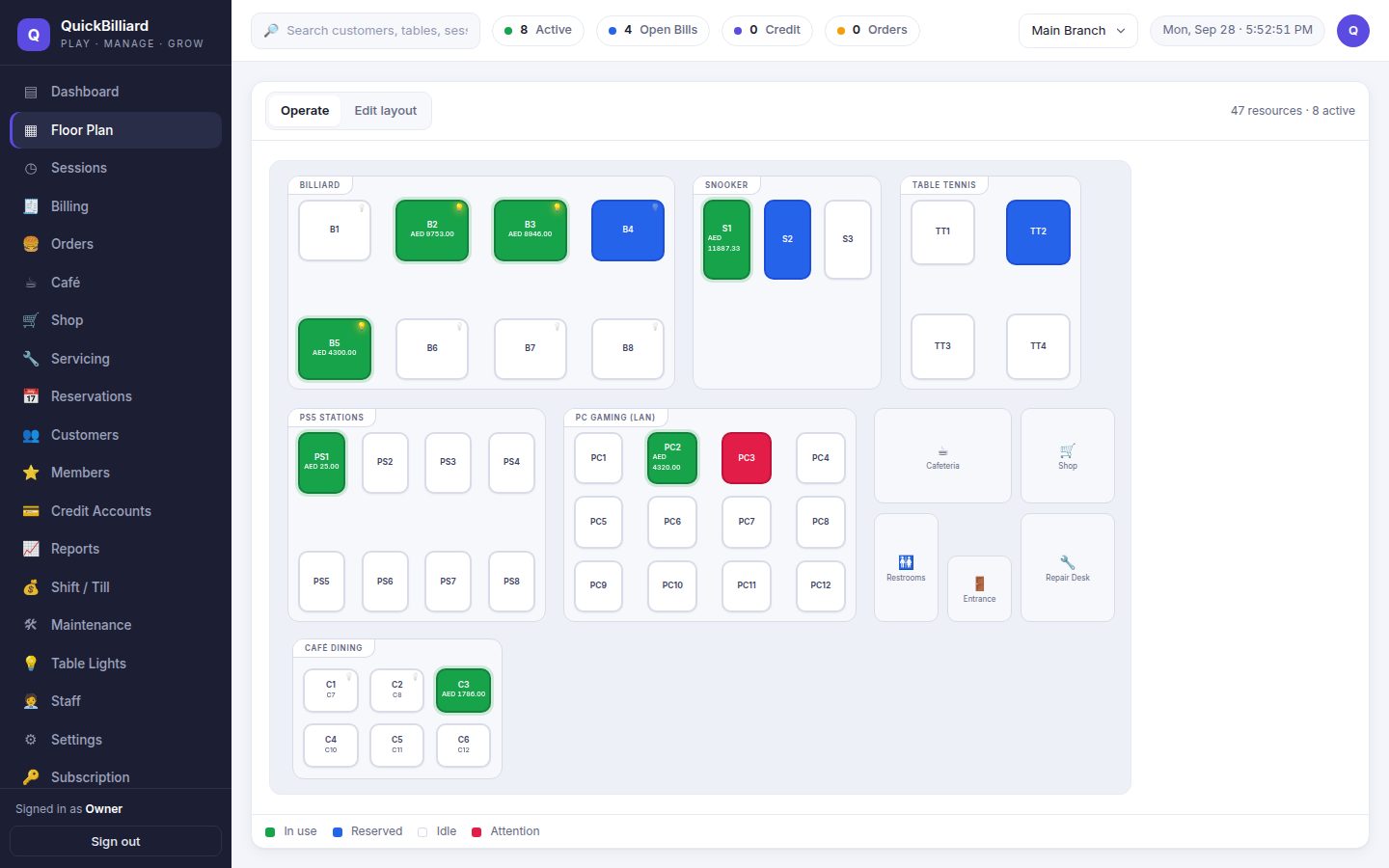
Every table as a tile — green when billing, with the running amount. Tap to start, pause, move, add café items or take payment. Café dining tables bill the same way.
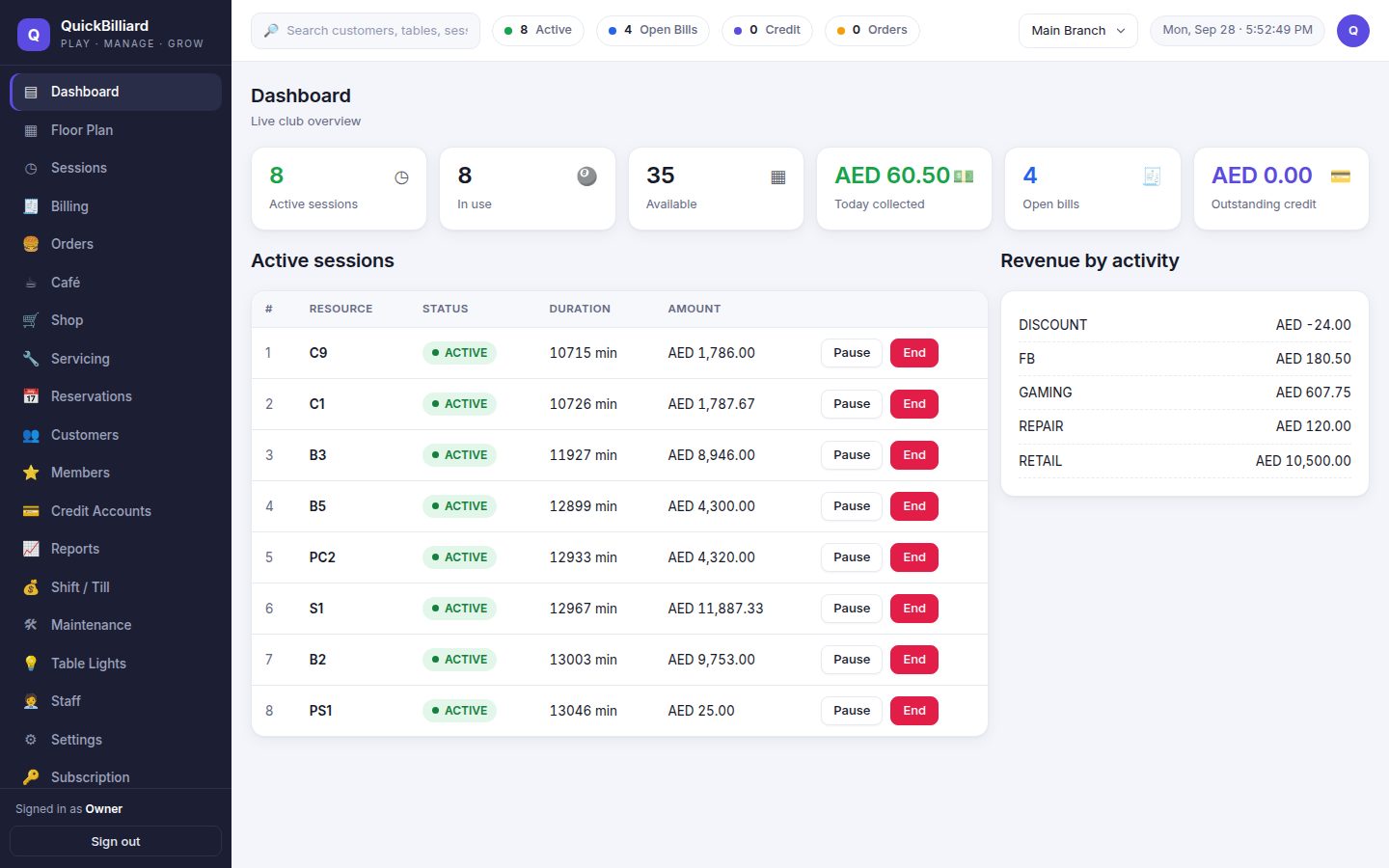
Active sessions, occupancy, today's takings, open bills and outstanding credit the moment you sign in.
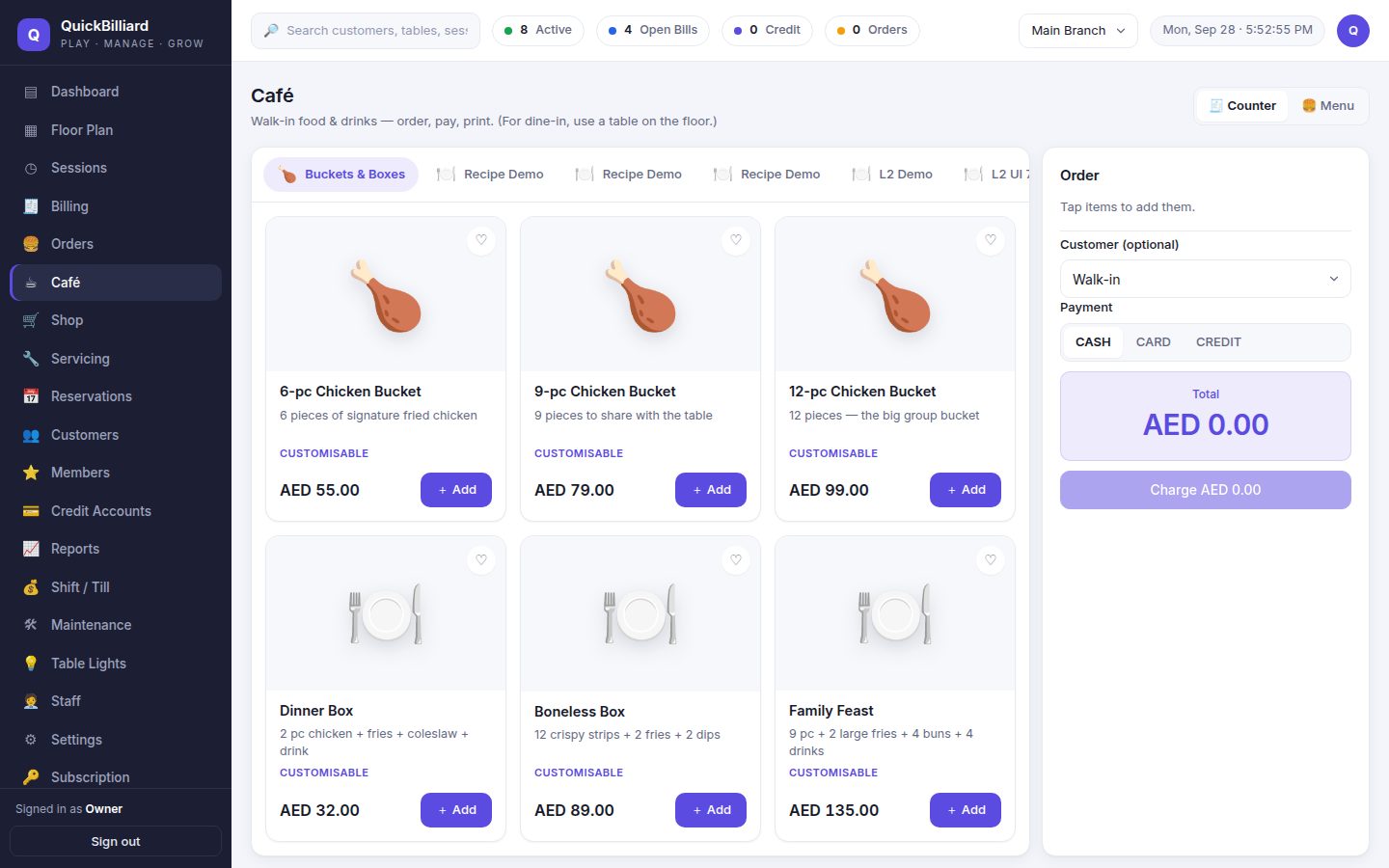
Walk-in orders at the counter or straight onto a table. Modifiers, prep notes, kitchen tickets, recipes with ingredient stock and food cost.
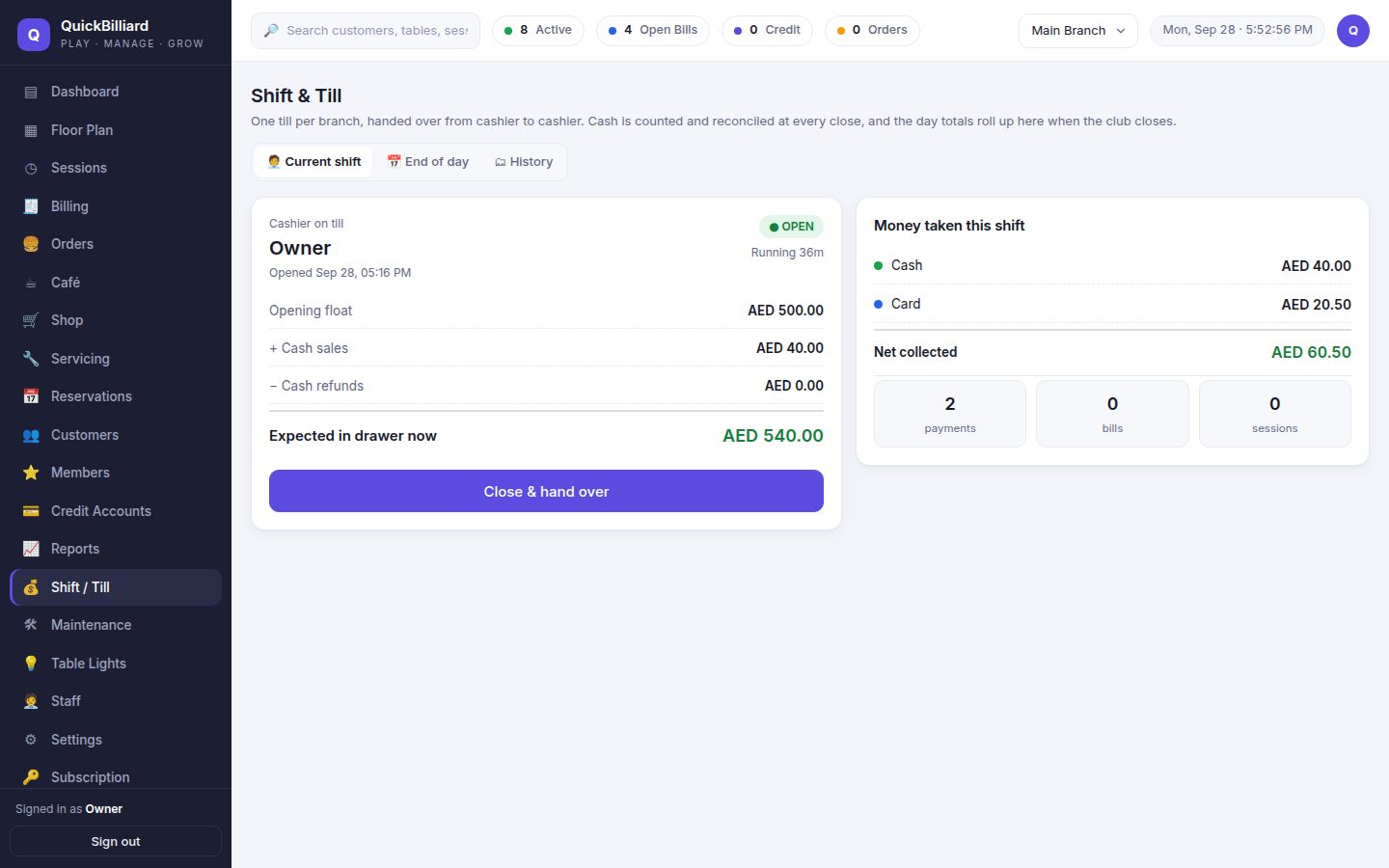
Float, sales by method and activity, expected vs counted cash, variance — printable for the handover and for the day.
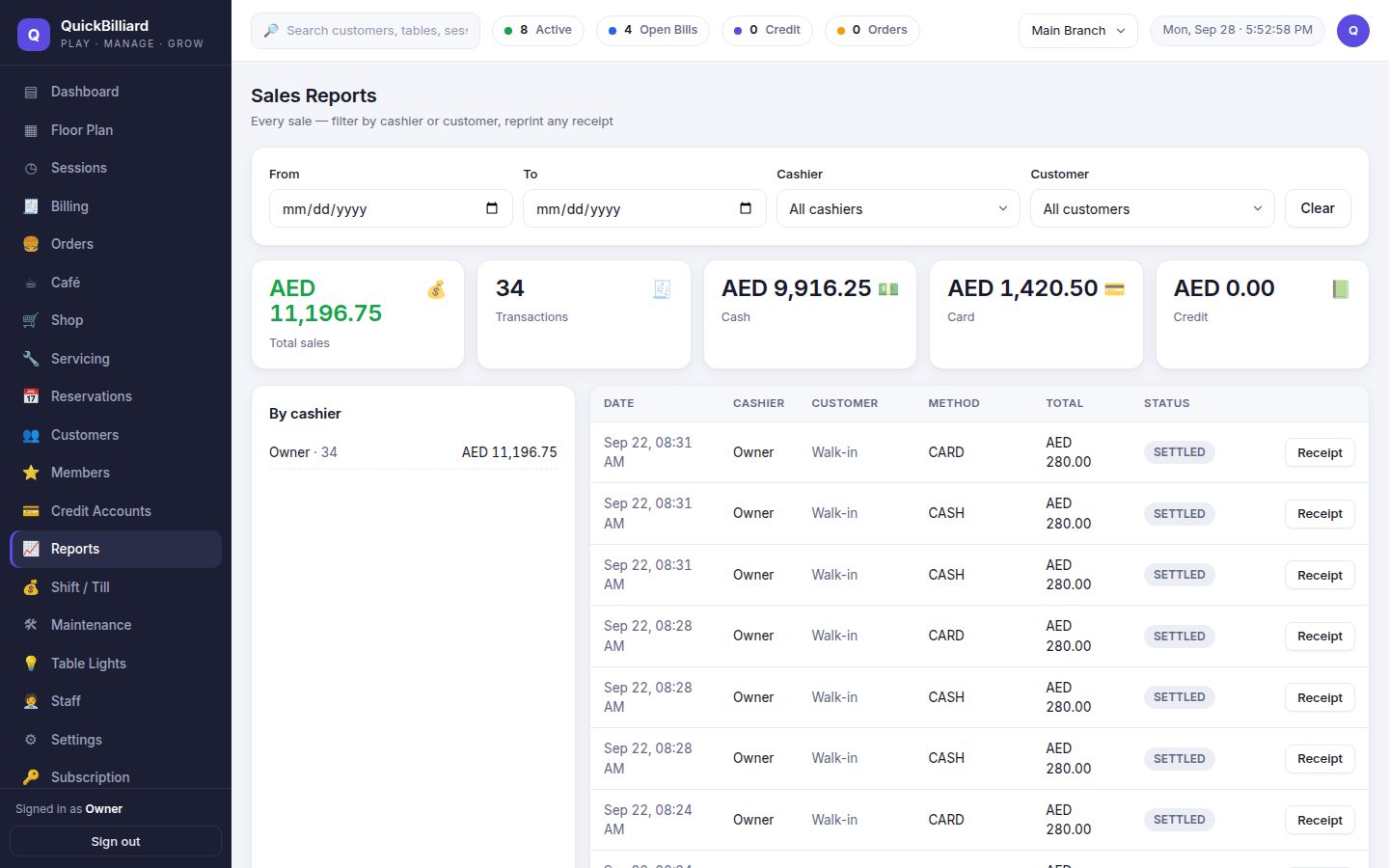
Sales by cashier, customer and payment method with any receipt reprintable; activity revenue, utilisation, food cost and reorder plans.
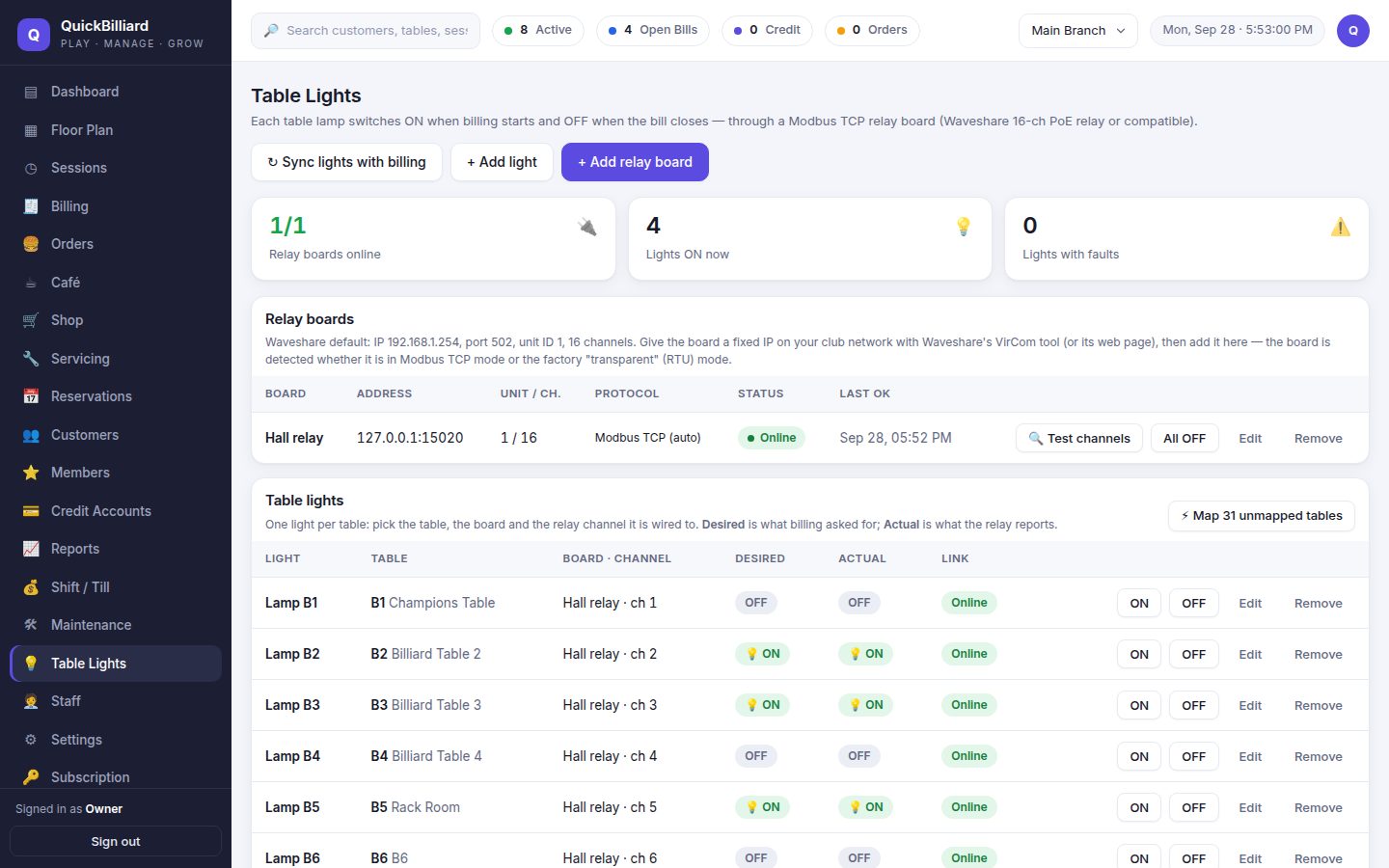
Relay boards on the club network, one channel per table, tested from the screen. Lamps follow billing automatically.
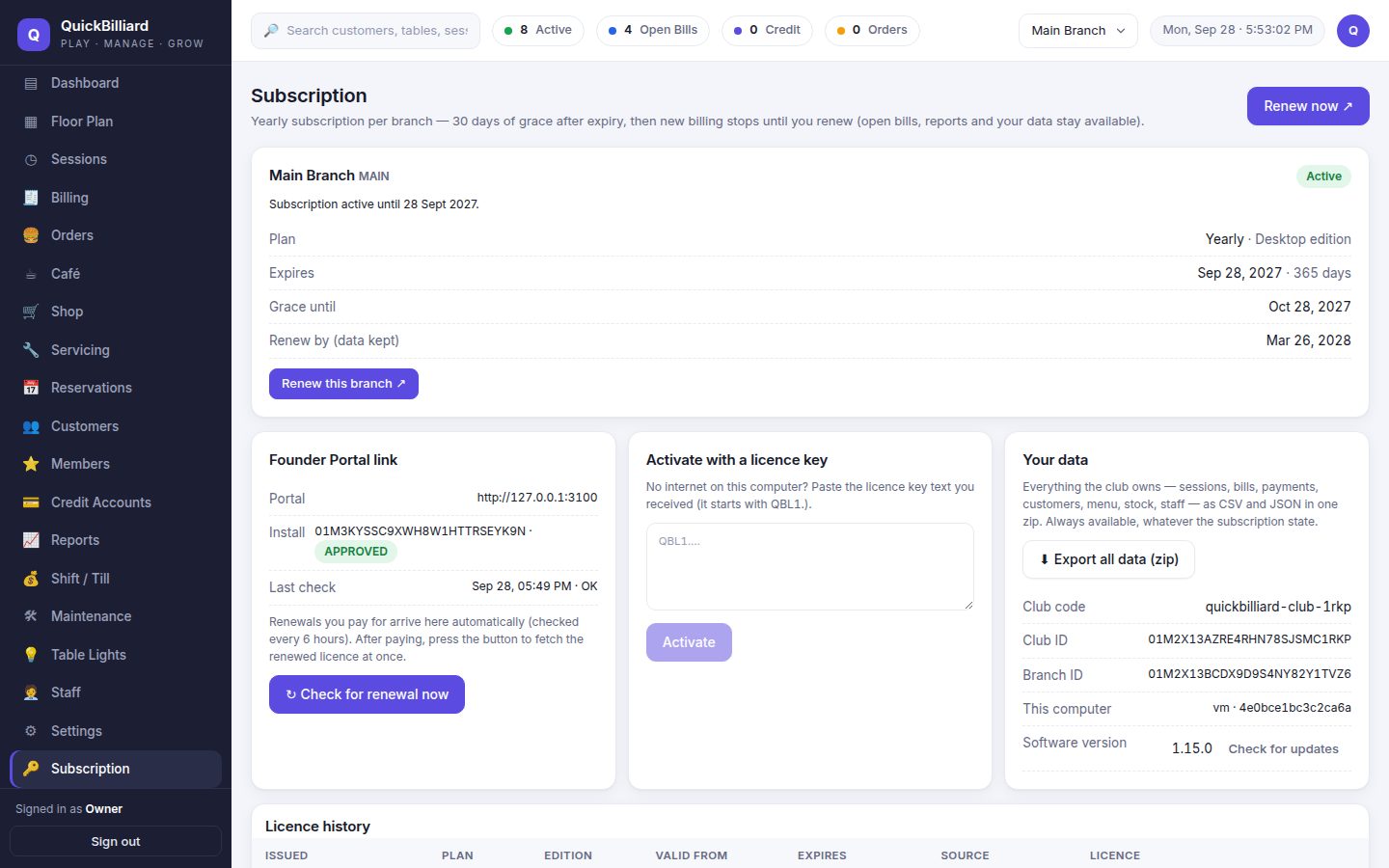
Your licence, renewal, cloud mirror status and a one-click export of every record you own — always available.
The building blocks — turn on what you need, add the rest as you grow.
Per-minute, hourly or fixed packages with minimum charge, grace, rounding and happy-hour rules — per table type.
Counter and table orders with modifiers, kitchen tickets, recipes and ingredient stock.
Cues, chalk, accessories and repair jobs — sold at the counter or added to a table.
Split payers, part payments, refunds, VAT invoices and customer credit accounts.
One till handed over between cashiers, counted at close, with a variance you can see.
Lamps switch on when a table starts and off when the bill closes — through a relay board on the club Wi-Fi.
Live occupancy, sales by cashier, activity revenue, food cost, utilisation and end-of-day.
Owners, managers, supervisors, cashiers, waiters and cooks with exactly the rights they need.
Same screens, same data model. Pick where the server lives.
A Windows installer puts the database, the server and the screens on the PC in your club. Cashiers open it in a browser; tablets and the relay board reach it on the club Wi-Fi. Internet down? Nothing changes.
Your club at yourclub.quickbilliard.com, hosted and backed up by us. Log in from anywhere, see all branches in one place, nothing to install or update.
Free trial for 14 days, no card needed. We set the club up with you.
 QuickBilliard